
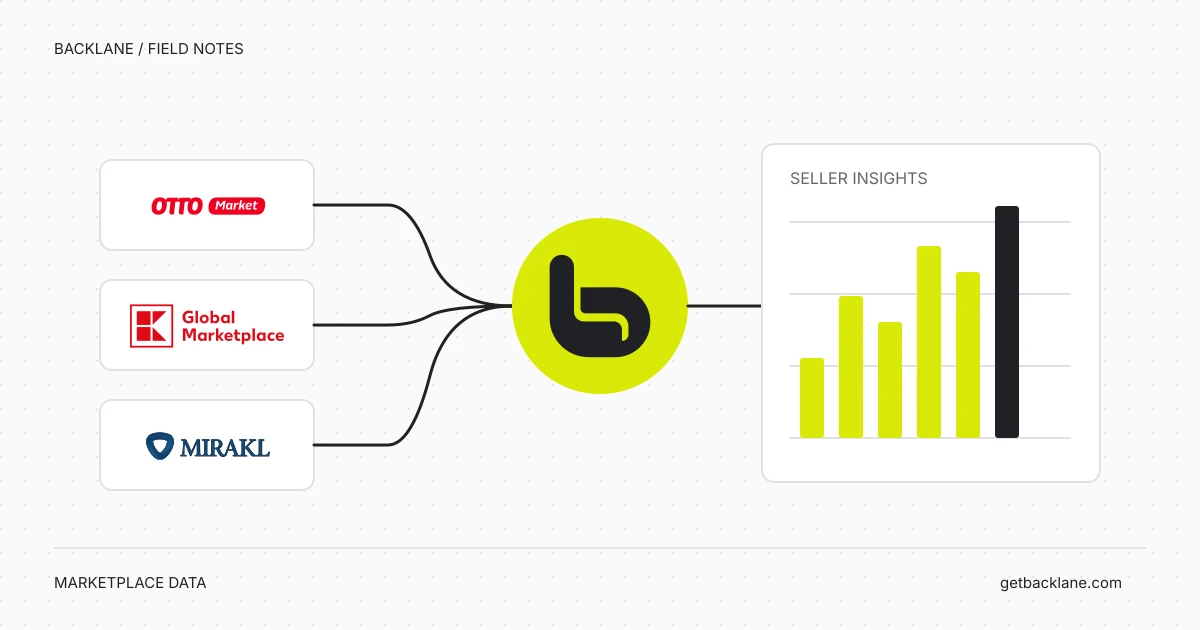
Analyse Kaufland returns: Check statuses and return reasons with AI
Which Kaufland returns are open, and which reasons recur? Check parcel and return-unit statuses separately with two practical AI prompts.
Read articleBACKLANE / BLOG
Guides, useful questions and practical examples for your everyday work with marketplaces and AI.
Which Kaufland returns are open, and which reasons recur? Check parcel and return-unit statuses separately with two practical AI prompts.
Read article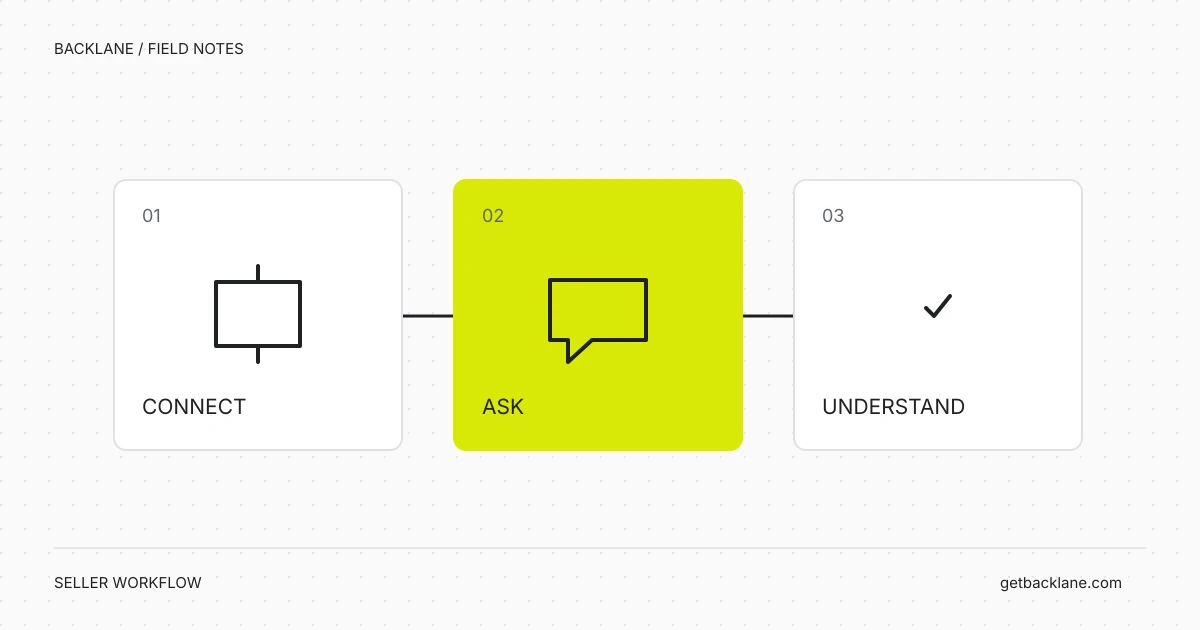
Which Mirakl orders are awaiting acceptance or shipment? Check order status, shipping deadlines and open incidents with two practical AI prompts.
Read article Find OTTO order items ready for processing with AI. Distinguish ANNOUNCED, PROCESSABLE and SENT, check mixed orders and include older open items.
Read article Check open OTTO returns with AI: distinguish announcements, misdirected returns and shipment status to create an evidence-based worklist.
Read article Create a daily AI checklist for OTTO, Kaufland and Mirakl: open orders, returns and incidents with supporting evidence and next steps.
Read article Which Kaufland products are ordered most often? Compare unit counts before and after cancellations, using clear date ranges and practical AI prompts.
Read article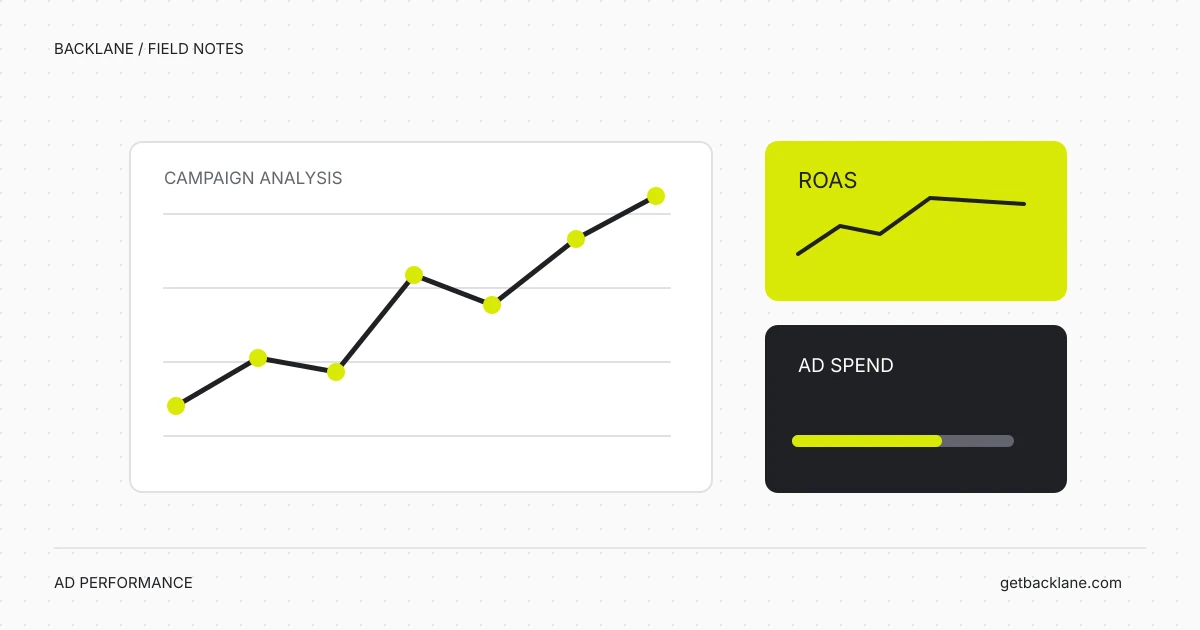
Which OTTO Ads campaign should you check first? Compare ROAS, advertising costs and attributed revenue using clear periods and practical AI prompts.
Read article Compare your Kaufland offer in the Buybox: identify your own listing, compare price plus shipping, and interpret delivery times and data gaps correctly.
Read article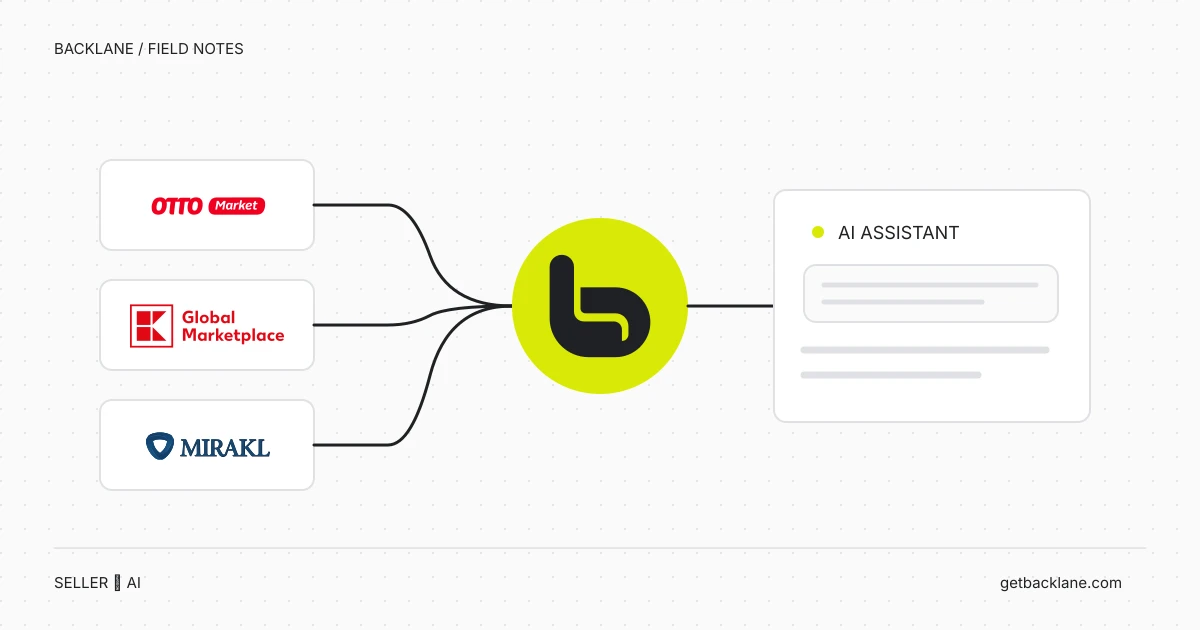
Connect your OTTO seller account to an AI chat through Backlane and verify access with three small checks for the connection, products and orders.
Read article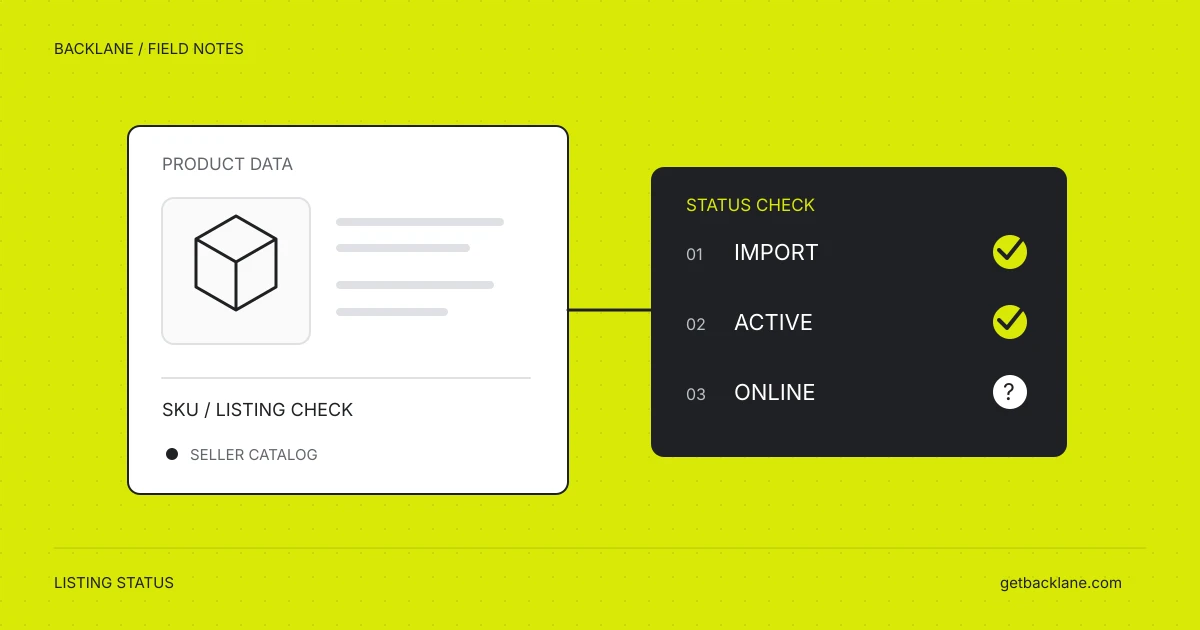
Check Mirakl import status, transformation errors and integration errors. Use three AI prompts to organise findings and verify your corrections.
Read article Use AI to analyse OTTO, Kaufland and Mirakl data: connect your seller accounts, compare sales and check listings with practical example prompts.
Read article Your OTTO product is not online? Check its upload, activation and marketplace status, interpret error messages and identify concrete next steps.
Read articleOur documentation covers setup and your first workflows.